Self-manifesting for skydivers
Most fun jumpers know exactly which load they want. With self-manifesting they put themselves on it, and your manifest staff keep their time for students, tandems and special cases.
On the phone: the web Load-Viewer
With the Online-Tools, skydivers manifest themselves from the web Load-Viewer on their own phone, in the browser — no kiosk needed:
-
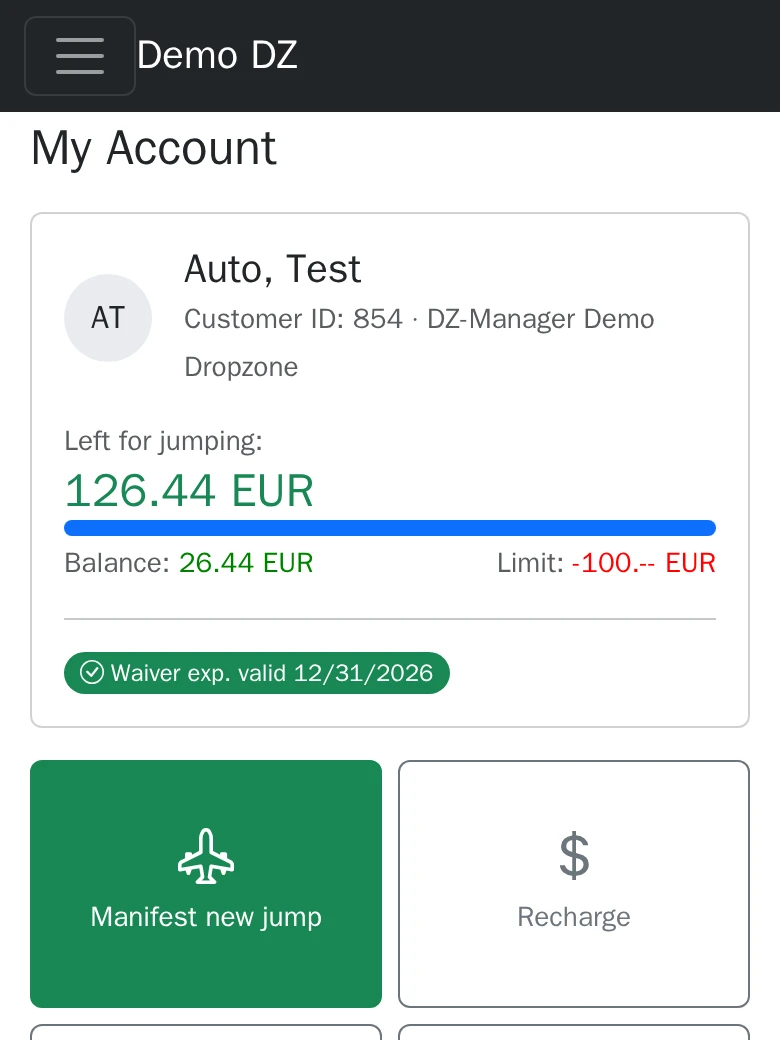 1 Log in and tap "Manifest new jump".
 -
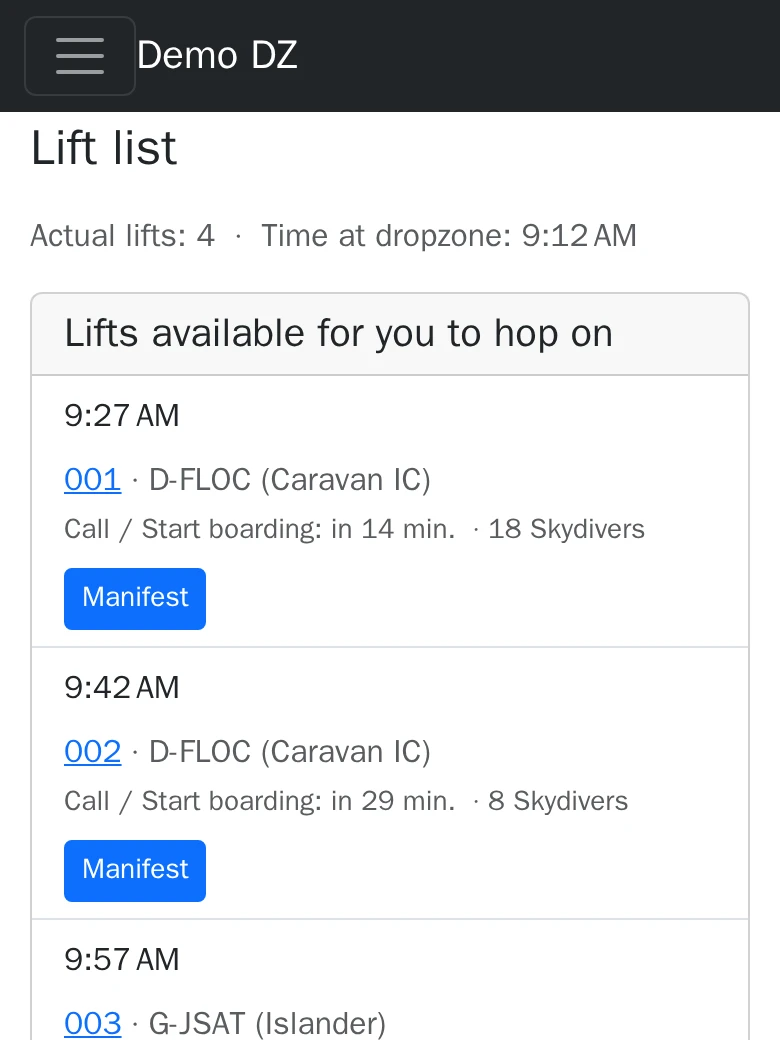 2 Pick a load from the list and tap "Manifest".
 -
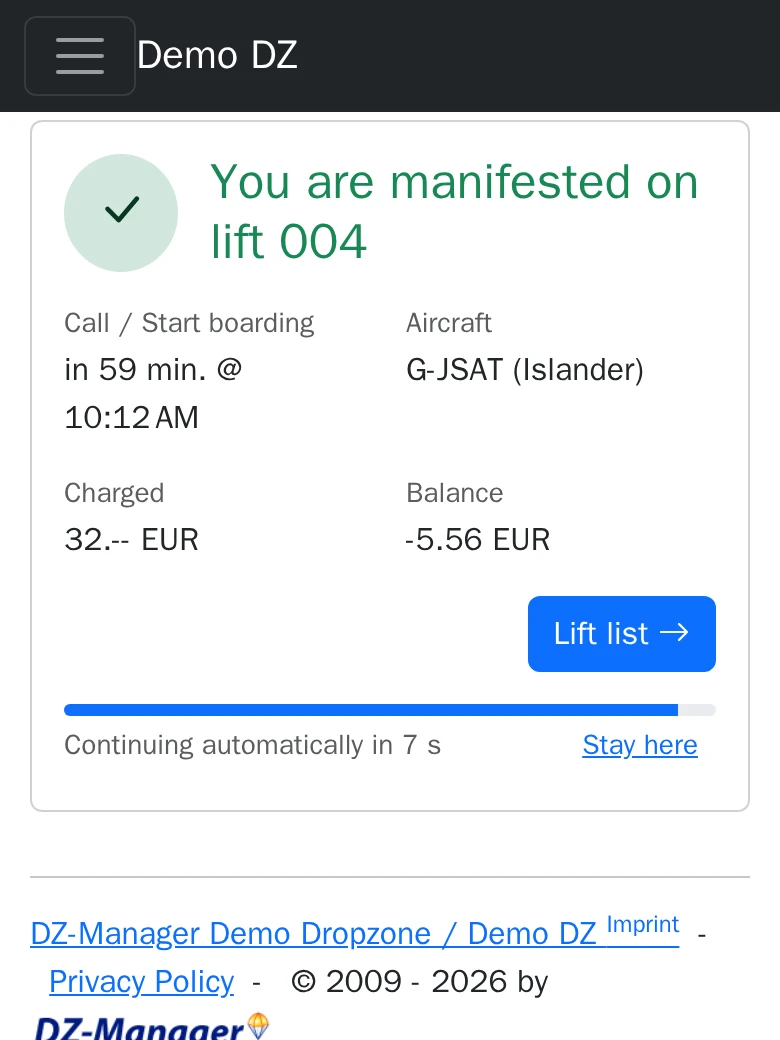 3 Done: the skydiver is on the load.
 -
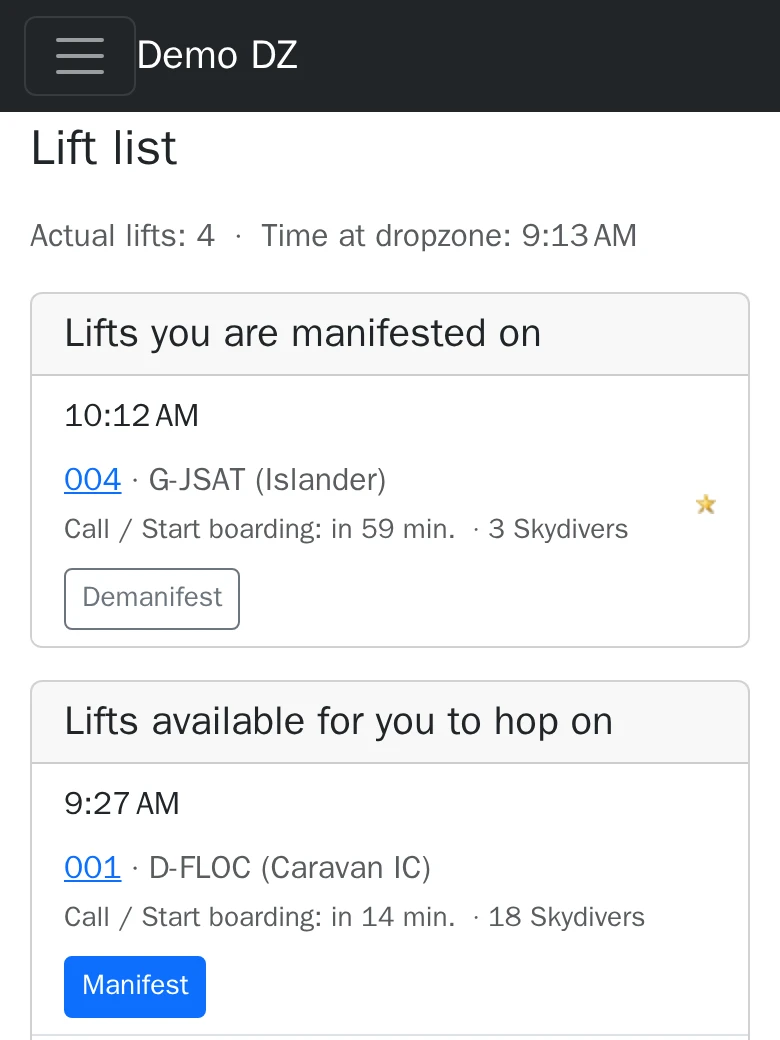 4 Their own loads are at the top of the list; if the dropzone allows it, "Demanifest" takes them off again.
At the kiosk: POS mode
The POS mode of the desktop app turns a PC with a card reader — ideally a touch screen — into a kiosk. A skydiver is on the load in under ten seconds:
-
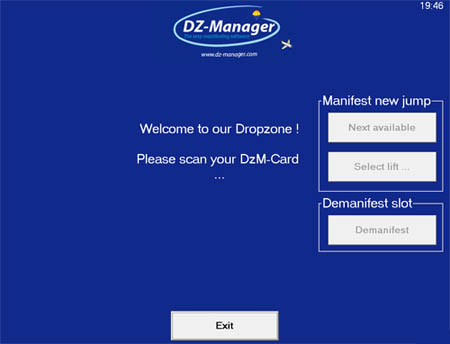 1 Scan the DzM-Card.
 -
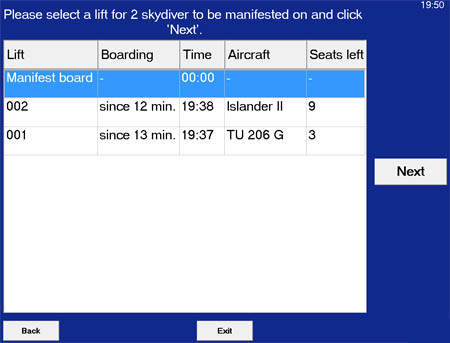 2 Pick "next available load" or a load from the list.
 -
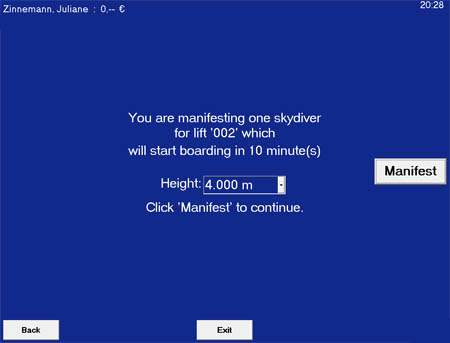 3 Confirm the altitude.
 -
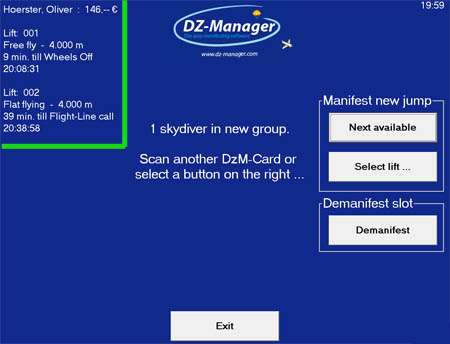 4 After the scan, skydivers also see their loads and their balance.
POS mode and Load-Viewer share one PC: when nobody uses the kiosk, it shows the loads; the next scan switches back to POS mode.
The POS mode is part of every edition, the free Community Edition included.
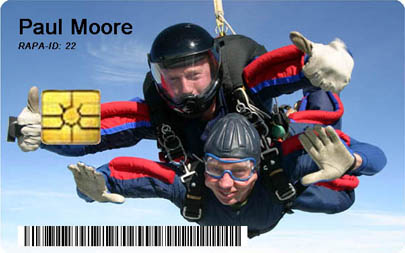
DzM-Cards
A DzM-Card is anything that identifies a skydiver: an RFID tag, a chip card, a barcode or a QR code.
- Skydivers manifest themselves by holding their card to the reader.
- An instructor reads a student's card and has the student's whole logbook at once.
- No typing of names at the manifest, no misspellings.
- Print your own design on the cards, from a template like every other printout.
- A DzM-Card is not tied to one dropzone: skydivers use it at every dropzone that runs DZ-Manager.
Cards and readers are standard, inexpensive hardware.